How can we help?
Find help with your cleaning appointment, payment, or Mira Cleaning account.
Find answers
Help topics
How do I book a cleaning?
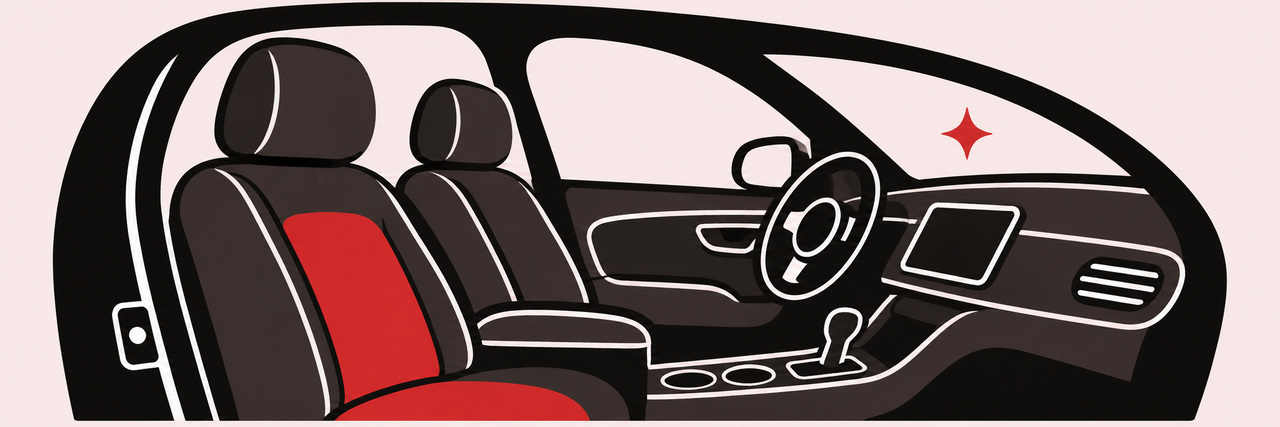
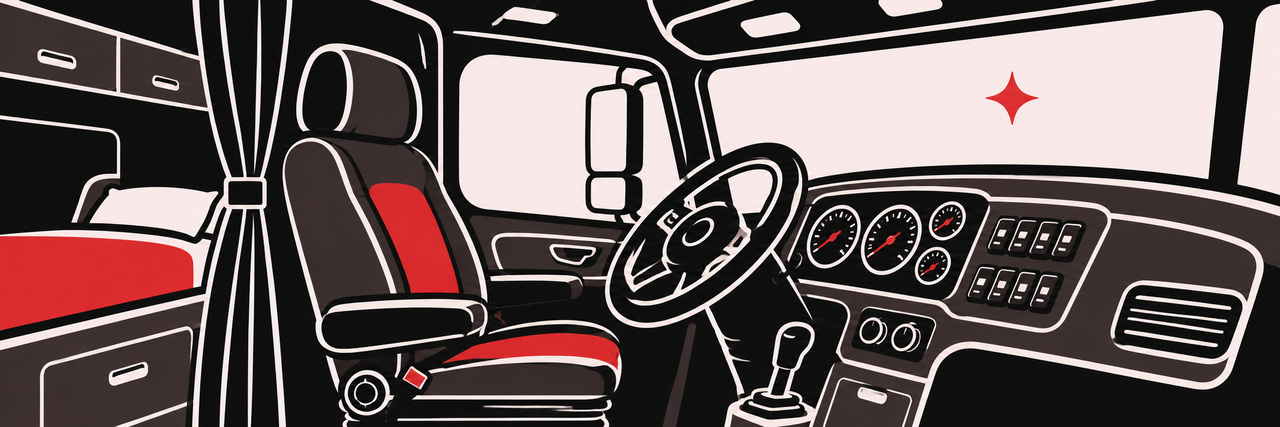
Open Services in the Mira Cleaning app and choose apartment cleaning, car detailing, or semi truck detailing. Enter the service details, pick a date and available time, and review your request before booking.
How do I reschedule or cancel?
Open Bookings → Upcoming, then choose your appointment. Select Reschedule or Cancel appointment. If your appointment is already underway, contact support for help.
How do appointment reminders work?
In the app, open Account → Appointment reminders and allow notifications. Mira schedules reminders for confirmed bookings on the device when the app syncs.
Where can I pay and find my receipt?
Pay in person after your service. Once Mira records your payment, open your appointment in Bookings → History and select View digital receipt.
How can I get help with my account?
Contact support from the email address associated with your Mira Cleaning account. Include a short description of what you need help with.